?
Incoming Audio Call
is calling you...
Decline
Accept

After choosing your account type and registering, you confirm your email and gain access to your dashboard, where a free one-week Ultra Membership is automatically activated so you can explore all premium features without commitment.
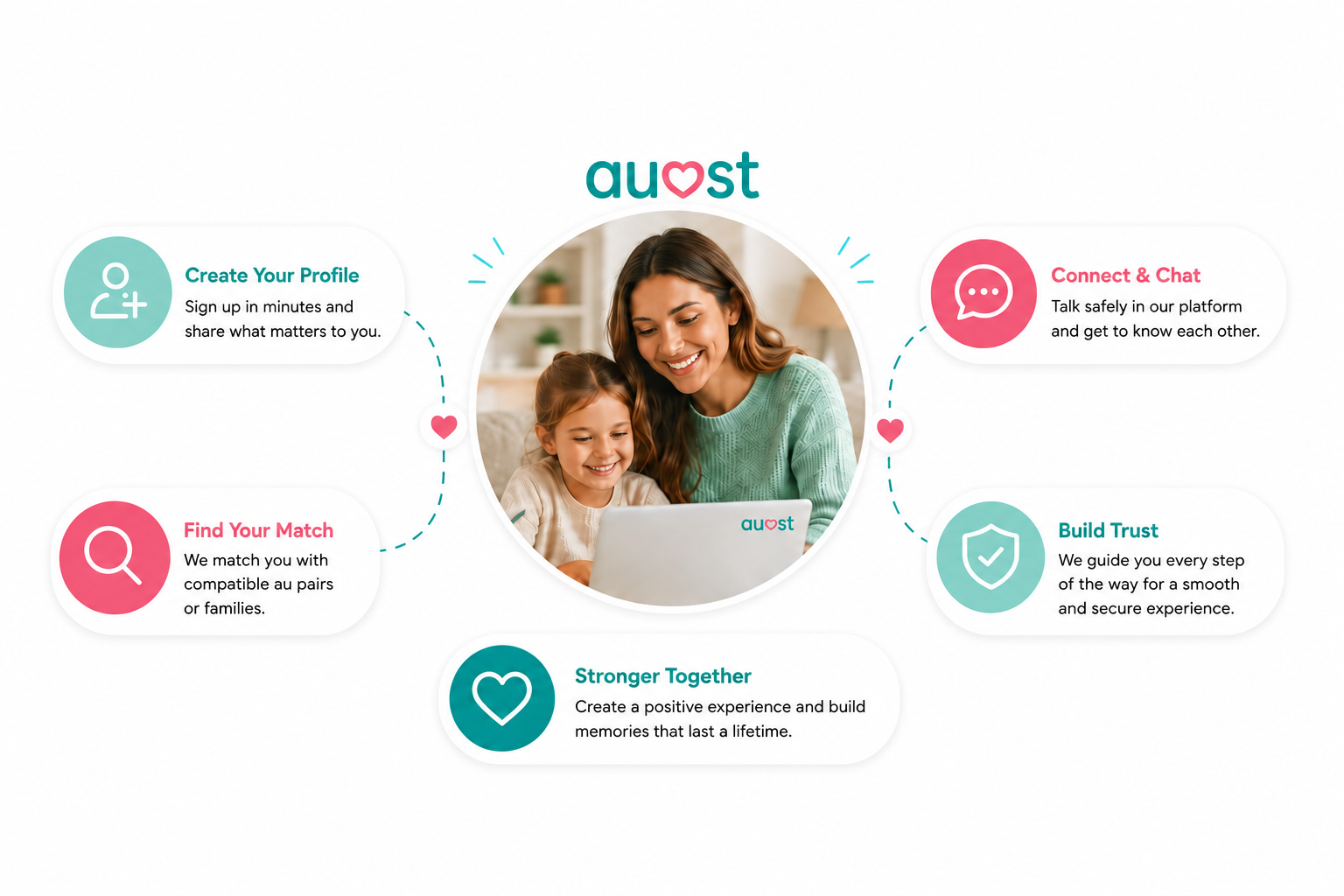
Through your dashboard, homepage, or search box, you can browse verified profiles—families can see au pairs and au pairs can see families—and refine the results with filters that you can save to receive automatic match updates. You can also enter your availability for interviews to facilitate scheduling for both parties.
| # | 🔍 Step | ⭐ What Happens | 👥 Who Benefits |
|---|---|---|---|
| 1 | 📝 Registration | Choose account type & sign up | Families & Au Pairs |
| 2 | ✉️ Confirmation & Login | Confirm email & access dashboard | Both |
| 3 | 🎁 Free Ultra Week | 1-week Ultra Membership activated to test platform risk-free | Both |
| 4 | 🧩 Match Questions & Profile | Complete compatibility questions & build full profile | Both |
| 5 | 🔎 Browse Profiles | Search via dashboard, homepage, or search bar | Both |
| 6 | 🎯 Refine & Save Filters | Set preferences & receive automatic match updates | Both |
| 7 | 📅 Set Availability | Add interview/meeting times | Both |
| 8 | 🎓 auost Academy | Access onboarding guides & cultural preparation | Both |
❓ Is auost free to browse?
Yes — browsing is free.
❓ How are au pairs verified?
Identity verification, motivation screening, compatibility quiz.
❓ Does auost offer agreements and templates?
Yes — everything is included.
❓ Does auost support visa guidance?
Yes — country-specific support is provided.
❓ Is there support after matching?
Yes — monthly check-ins, onboarding tools, and mediation help.